AI estimating and quoting for metal fabrication
Quote in minutes
not days
Upload the RFQ. Get the quote.
- Step 01
Upload the RFQ
Upload the RFQ package. The job opens itself, with every file detected and sorted.
- Step 02
Customiser reads and structures it
Every drawing, specification and BOM is read, cross checked and structured into parts, quantities and materials. Anything ambiguous is flagged, not guessed.
- Step 03
The estimate is built
The bill of materials is built from the drawings and costed with your own labour standards, rate cards and material costs.
- Step 04
Review, approve and quote
Check every line against its source, approve, then send the quote to your customer or export it to your ERP.
Every customer job. One working system.
Upload the RFQ package and the job opens itself, every file kept together and sorted by type. On Enterprise, DXF and STEP files are read too.
Learn more about the Documents moduleEvery part, bend, hole and fastener is read from the drawings into a bill of materials, each line traceable to the drawing that produced it.
Learn more about the Parts moduleEach part is routed through your processes and costed with your own labour standards, rate cards and material costs. Every figure shows its working.
Learn more about the Estimate moduleCost, sell price and margin at each quantity, side by side. Set the margin for the job and approve the price before anything goes out.
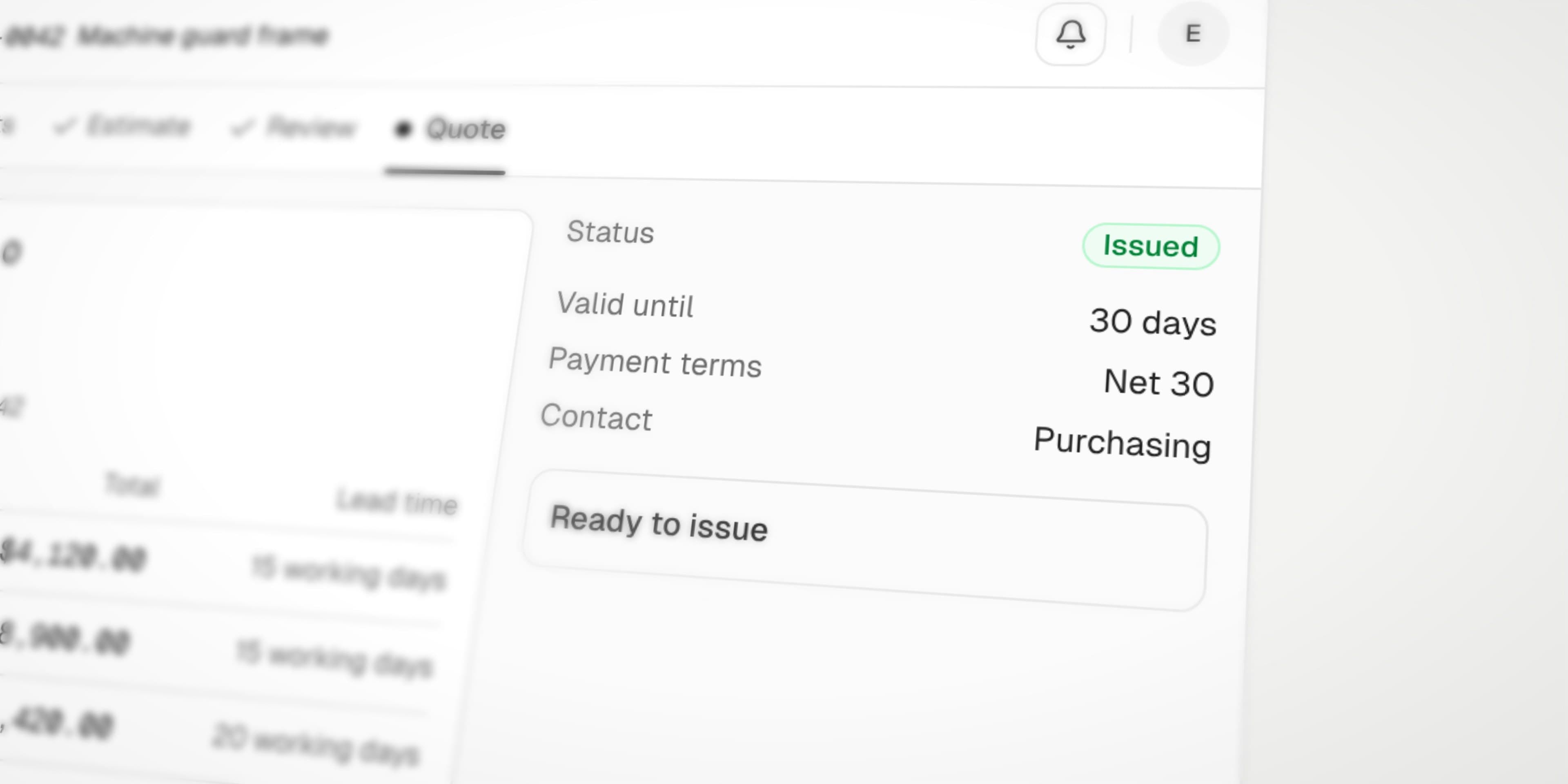
Learn more about the Review moduleYour rates and margins, applied the same way every time. Check each line against its source, approve, and export.
Learn more about the Quote moduleYour processes, labour standards, rate cards and materials, loaded once. Every match shows the rule behind it.
Learn more about the Library module


Security
Your drawings stay yours.
Procurement and IT clear this before you have to ask.
Security and deployment detailsNo training on your data
Never used to train a model, ours or a provider's.
Isolated tenant
Every customer runs separately. Nothing is pooled or shared.
Encrypted everywhere
TLS 1.3 in transit, AES-256 at rest.
Role based access control
Access scoped by role, not by a shared login.
Full audit log
Every verification and change, with who and when.
Retention you control
Owners set how long documents are kept, then files are deleted.
SSO and private VPC
SAML and OIDC single sign on, and private VPC deployment, on Enterprise.
Established model provider
Anthropic, under commercial terms. No training on your data.
Pricing
Standard
Pay-on-usage. $0.10 per credit.
- All modules
- Credit packs at a discounted rate
- No per seat licence
- No minimum spend
- No lock in contract
- Configured to your catalogue, standards and rate cards
Enterprise
Custom pricing.
- Everything in Standard
- DXF and STEP file processing
- Private VPC deployment
- Discounted rates
- Dedicated success manager
- SSO with SAML and OIDC
In every plan
No AI training
Your documents never train a model, ours or a provider's.
Isolated account
Your own tenant, not a seat in a shared one.
No shared data
Nothing is pooled across customers, ever.
Encrypted throughout
TLS 1.3 in transit, AES‑256 at rest.
Full audit log
Every change logged, with who and when.
Role based access control
Access scoped by role, not by a shared login.
FAQ
Frequently asked questions
Straight answers on documents, pricing and how quotes are built. Anything else, ask us.
Contact usThe documents that arrive with manufacturing RFQs: 2D drawing PDFs, specifications, BOMs, spreadsheets, Word documents, email files and scanned supporting documents, processed together as one Job. On the Enterprise plan, DXF and STEP files are read too.
Yes, DXF and STEP files, on the Enterprise plan. Every plan reads 2D drawing PDFs and the supporting RFQ documents. Other CAD formats, such as IGES or native SOLIDWORKS files, are not read.
No. Customiser works with a customer BOM, a partial BOM or drawings without one, preparing the Parts list from the drawing evidence for review.
No. Start with a real RFQ. As Customiser reaches parts of the estimate that depend on how your company works, it asks for the relevant rates, methods or rules in context, and confirmed knowledge is reused on future matching work.
Yes. Labour rates, material costs, formulas and process rules can be captured in the Library and applied consistently.
Add the revision to the existing Job. Customiser identifies what changed, preserves unaffected work and reopens the areas that may need review or recalculation.
No. Customiser owns the estimating and quoting workflow and exports the work into the systems you already use.
Every consequential value stays connected to its source. Missing information remains missing, conflicts are surfaced rather than silently resolved, and your team reviews the work before a customer-facing quote is issued.
Customiser has two plans. Standard is pay-on-usage at $0.10 per credit, with credit packs at a discounted rate. Enterprise has custom pricing.
Your next RFQ can start in Customiser.
Sign up and quote from the same customer drawings and documents your estimating team is already working from.
Want to see it first? Request a demo (opens in a new tab)

Platform
Company
CUSTOMISER